Dedicated meters start at three hundred quid.
A Sekonic in your bag is beautiful. It is also a month of film. Most shooters never owned one, never will, and work around it with guesswork or Sunny 16.
If you shoot film, you already know this. The tools for reading light are either overbuilt and overpriced, locked to one platform, or asking you to pay rent for something a thumbwheel should do for free.
A Sekonic in your bag is beautiful. It is also a month of film. Most shooters never owned one, never will, and work around it with guesswork or Sunny 16.
Pixel shooter? Older Android? Borrowed phone on a shoot? You are out of luck or you are using something that looks like a 2011 calculator.
A light meter is a ruler. You do not rent a ruler. If the app nags you for £4.99 a month just to let you use a third metering mode, the app is not the problem, the pricing model is.
No account. No install prompt. No onboarding carousel. Open the link, point the phone, read the number.
Tap the link. The viewfinder is live in under a second. It works in Safari, Chrome, and anything else with a camera. There is nothing to install and no account to sign up for.
The camera reads the light thirty times a second. Centre-weighted by default. Tap anywhere on the frame to spot-meter that exact patch. Hold to lock the reading while you compose.
Lock aperture, shutter, or ISO. The other two update in real time. Drop in a film preset for Portra, HP5, or whatever is loaded, and the meter adjusts for it.
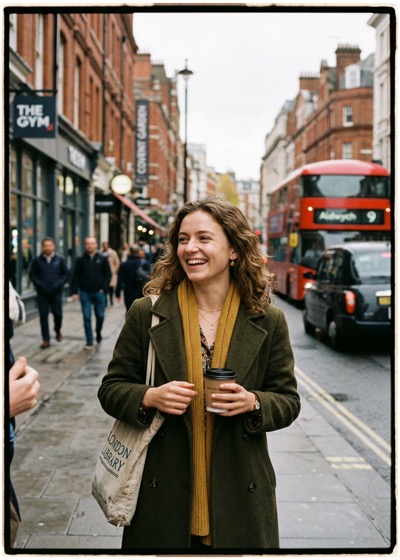
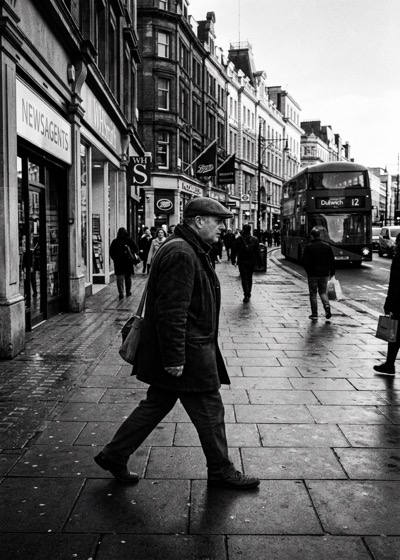
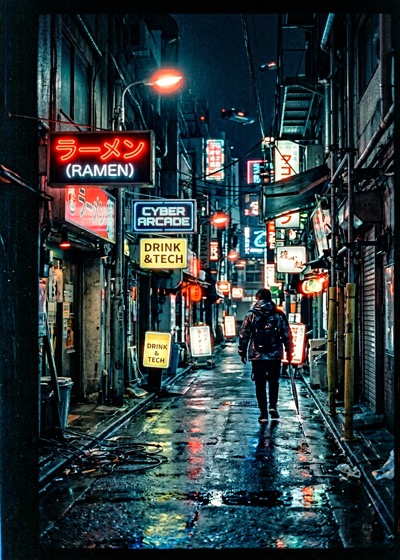
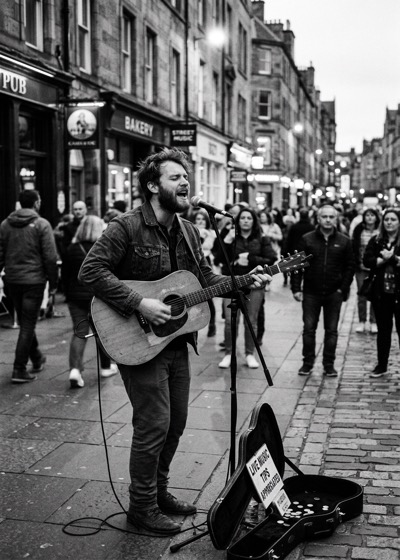
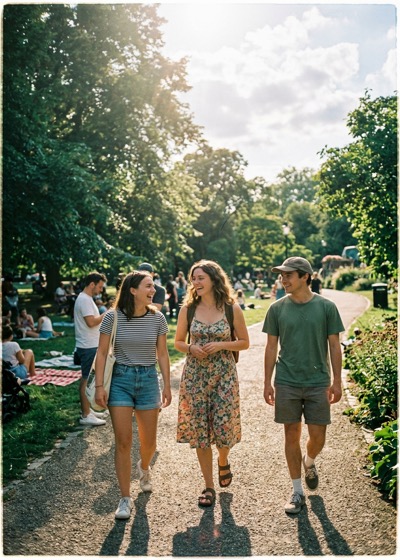
Sunny park, overcast street, cafe window, dusk. The meter reads each scene and dials in aperture, shutter, ISO, and the film stock you are actually shooting.
Every phone's light sensor is slightly off. Point stop. at a known scene once — Sunny 16 handles the rest — and every reading from now on is correct to within a third of a stop.
Nothing fluffy. No social feed, no photo editor, no gamification. The four things you actually use on a shoot, done properly.
Thirty readings a second straight from the camera sensor. Centre-weighted by default, average or spot on demand.
Portra, Ektar, Gold, HP5, Tri-X, T-Max, CineStill and more. Tap a stock, the ISO and reciprocity curve follow.
Plus or minus three stops in third-stop clicks. Useful for backlit subjects, snow, stage light, anything the average cannot see for you.
Tap anywhere in the frame to meter that exact patch. Hold to lock. Works like the 1-degree spot on a Sekonic, minus the three hundred quid.
"Calibrated against Sunny 16. Within a third of a stop after a thirty-second setup."
Every phone sensor is slightly different. The first time you open Stop it walks you through a quick calibration against a grey card or a blue-sky reading. Thirty seconds. After that, the readings match a dedicated meter closely enough that you will stop second-guessing it.
Three people, three reasons. If one of these sounds like you, you will understand the app in about forty seconds.
Your meter died in 1997 or was never installed. Right now you Sunny 16 it and cross your fingers. Stop gives you a proper reading in the three seconds you have before the light moves.
Stop reads in EV and converts to shutter angle and T-stop if you want it to. It is the backup meter that lives in the pocket of the jacket you already own.
Lock aperture, watch shutter follow. Lock shutter, watch aperture follow. The exposure triangle stops being an abstract diagram about ten minutes in.
The web version is free forever. Full feature set, no nag screens, no data collection. If you want the native app when it lands, it is three quid, one time.
No subscription. Not now, not ever. A meter is a tool. You buy a tool once.